AI tools
Custom AI tools and internal apps that take repetitive work off your staff.
Workflows, dashboards and assistants built around the software you already use. We start with the task that eats the most hours.
Get a free IT check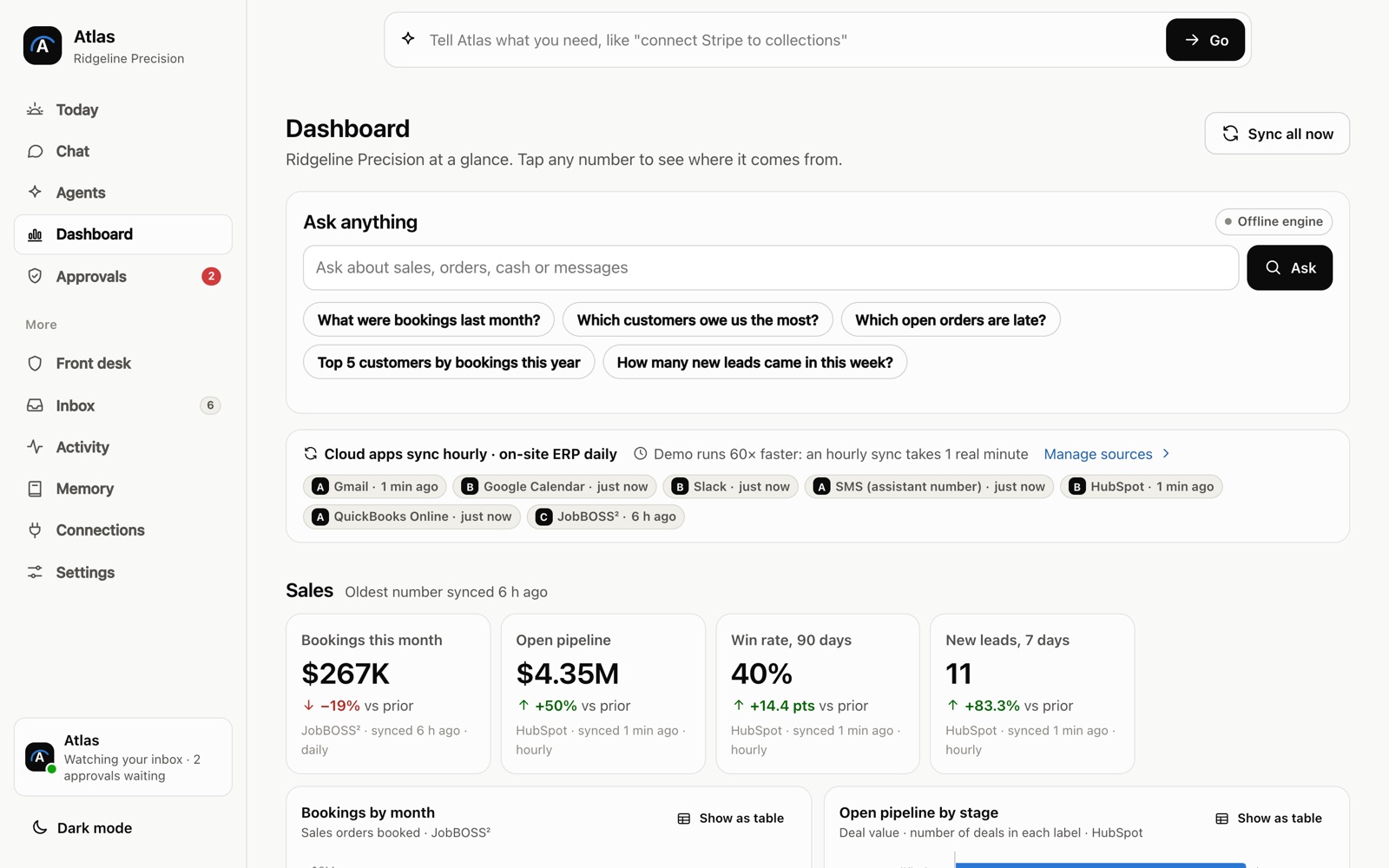
What you get
- A review of the tasks that take your staff the most time
- Automated workflows between the apps you already use
- Internal dashboards and tools your staff open in a browser
- AI assistants that draft, sort or summarize routine work
- A working version to try on real tasks before launch
- Training and written instructions for your team
Results you can expect
- Less time spent on copy-paste and data entry
- Your staff spend more of the day on work that needs them
- Information from different apps shows up in one place
- You see it work on real tasks before it goes live
How it works
Three steps, all in writing.
Free IT check
A 30-minute call, then a written list of the fixes that matter most.
A plan and a fixed quote
You get the scope, the timeline and the price in writing before anything starts.
We run it or build it
We look after your systems every month, or deliver the project or tool.
Common questions
AI tools, answered.
What kind of tasks can an AI tool take over?
Tasks that follow a pattern, like sorting incoming email, moving form answers into a spreadsheet, drafting routine replies or building a weekly report. Work that needs judgment stays with your staff, and the tool hands it to them.
Is our data used to train AI models?
The answer depends on the provider and the plan, so we name both in the written plan before the build.
Free IT check
Tell us what’s going on.
We reply within 1 business hour, Monday to Friday, 9am to 5pm Pacific.
Thanks. We have it.
We reply within 1 business hour, Monday to Friday, 9am to 5pm Pacific.